EDIT: Additional art to draw was added since we’re blazing through them!
Welcome everyone! the 2026 Canvas Event is now live, which means it’s time for us to gather together to make our mark on it!
>> Click here to go to the Canvas Page with the template already loaded! <<
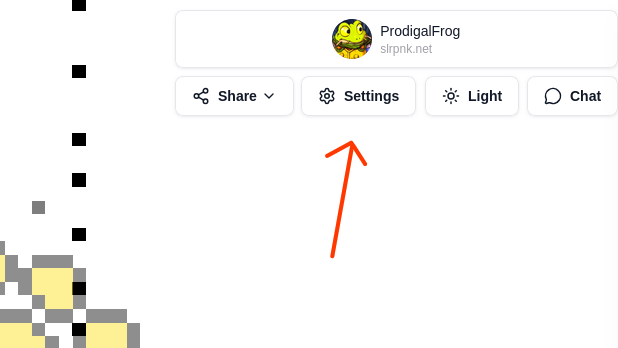
Be sure that your template’s opacity is set to 50% so you can see what pixels still need to be placed. you can adjust the template opacity by clicking the settings button below your username at the top right:
For those unfamiliar with what the Canvas event is, refer to our previous planning thread here. But short version is: You can place 1 pixel every 30 seconds. You can also build up to 6 pixels to put down all at once just by waiting.
How do I join? - At the login on Canvas, use your existing Lemmy username (in my case, it would be ProdigalFrog@slrpnk.net), which will prompt the website to send you a message to your Lemmy inbox with a code. Use that code along with your Lemmy username to log into the Canvas site so you can begin placing pixels.
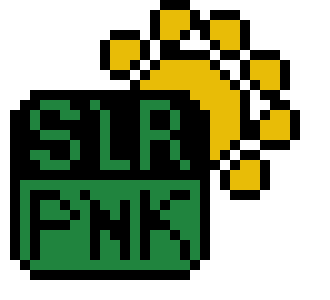
What will we be drawing on the Canvas? - We’re going attempt to draw two three different images, one of a stylized SLRPNK logo:
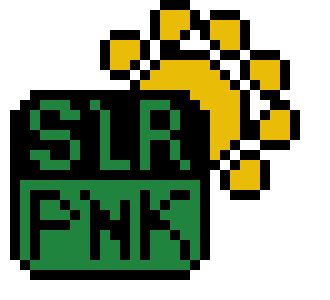
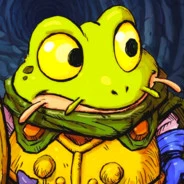
This lovely image submitted by Terradragon:
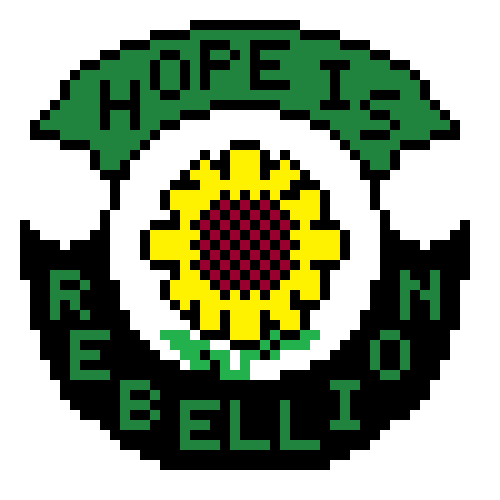
An idea submitted by Vegafjord: the Indigenous peoples of the Americas’ flag for North America/Earth, which they refer to as Turtle Island.
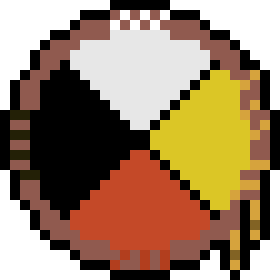
And lastly, a .net to go after our slrpnk logo, so people know it’s a website (which I forgot to put into the original submission). I realized I could add it as its own seperate template next to our existing one, so no possibility of it messing up the positioning :)
EDIT: I edited this and changed the positioning on the template so it’s taking up less room on the canvas, and so it ensures that it stays connected to the main logo. Sorry for the extra work!

Where will we be drawing them on the Canvas? - The Furry artwork team, part of which is comprised of the Pawb.social lemmy instance, has agreed to let us create our artworks near them. You can see where we ours is planned to be in relation to theirs on this preview template map (look toward the bottom left corner): https://chocolatecakecodes.goip.de/cotemplate/ui/template/20260520-Canvas26_main
Their group has been incredibly helpful and kind, and were absolutely essential to helping us solidify our claim, as well as provide essential advice on how to use Canvas. If you have any spare pixels, consider helping out their projects in the bottom left corner as well in mutual aid. As far as I’m concerned, they’ve been absolute legends. :)
How do we begin drawing the artwork? - It’ll be best to begin with the outlines of each artwork, as that will help both stake our claim, and help us ensure the overall dimensions are right before we begin filling it in with the details.
I’ve created a set of instructions on what order to create each artwork in, progressing in 20% increments. Click each one below to expand it:
SLRPNK Logo 20% Steps
20%
40%
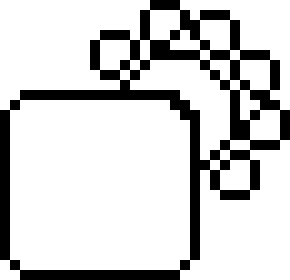
60%
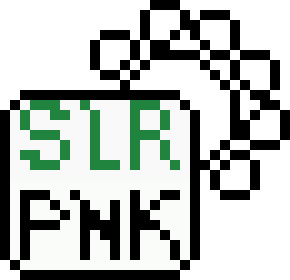
80%
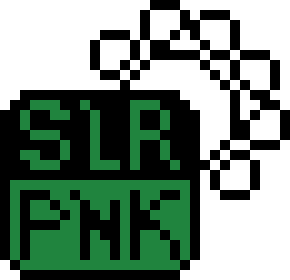
100%
Hope is Rebellion 20% Steps
20%
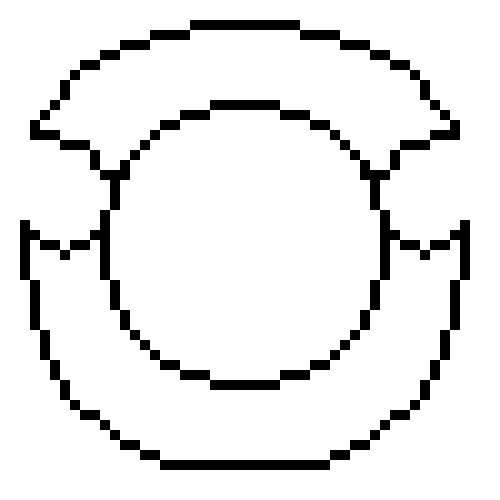
40%
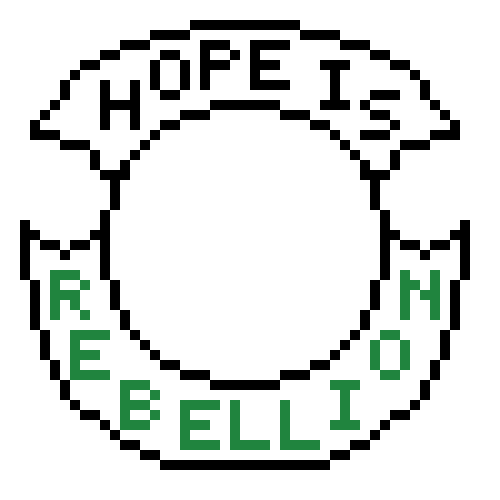
60%
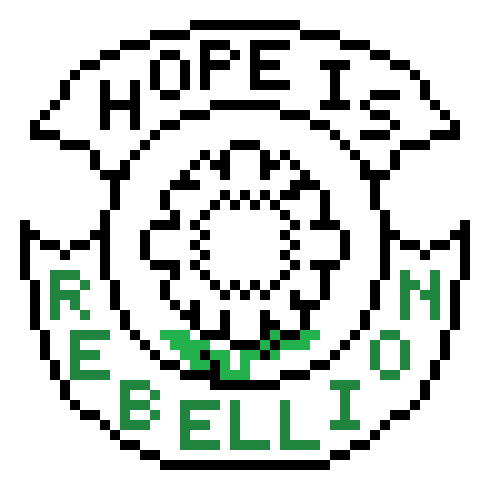
80%
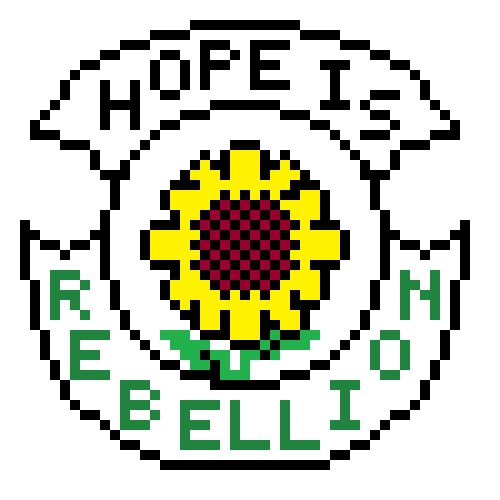
100%
I might be going crazy - is the colour picker getting the colour from the template or the actual value? If it’s from the template, then we might be slightly off colour with the flag of the indigenous peoples of the americas… Or I’m totally missing something.
It’s also kind of annoying, that the templates can be overlapping. Is there a way to get separate templates? (I don’t mean our templates)
This is so dumb but how the hell do I zoom in? If I try to pinch/spread my mousepad, it zooms the page so I can’t see the tools, and if I ctrl-plus then it zooms the canvas and tools equally. It’s driving me nuts!!
EDIT: may I propose we add some vegetables and plants to fill in some space around our designs?
I like the idea with the plants! But I’m not sure if I’m capable of coming up with a template
I think in the settings, otherwise in the url there’s a zoom=1 setting, maybe you can manually edit that?
On mobile (waterfox) two finger pinch just works for me, what are you using?
I’m on Firefox. I’ve figured out I can do the pinch and then scoot around a little bit with the arrow keys to find the color picker again so that’s working out for now XD
Almost missed it. I’m doing my part! :D
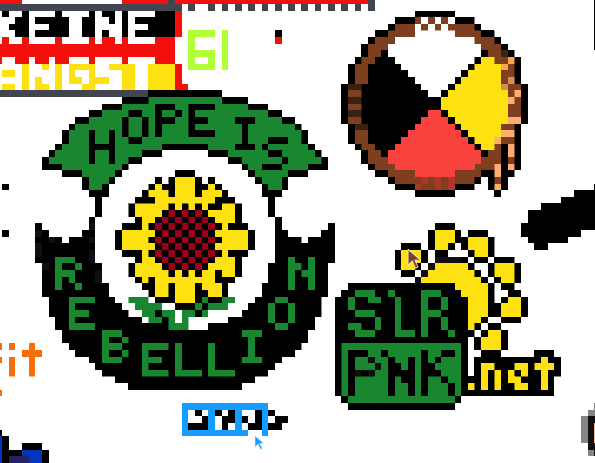
Looking quite good for now. Let’s see where those flags are going 🤨
~6 hours after my last screenshot and this is pretty nice
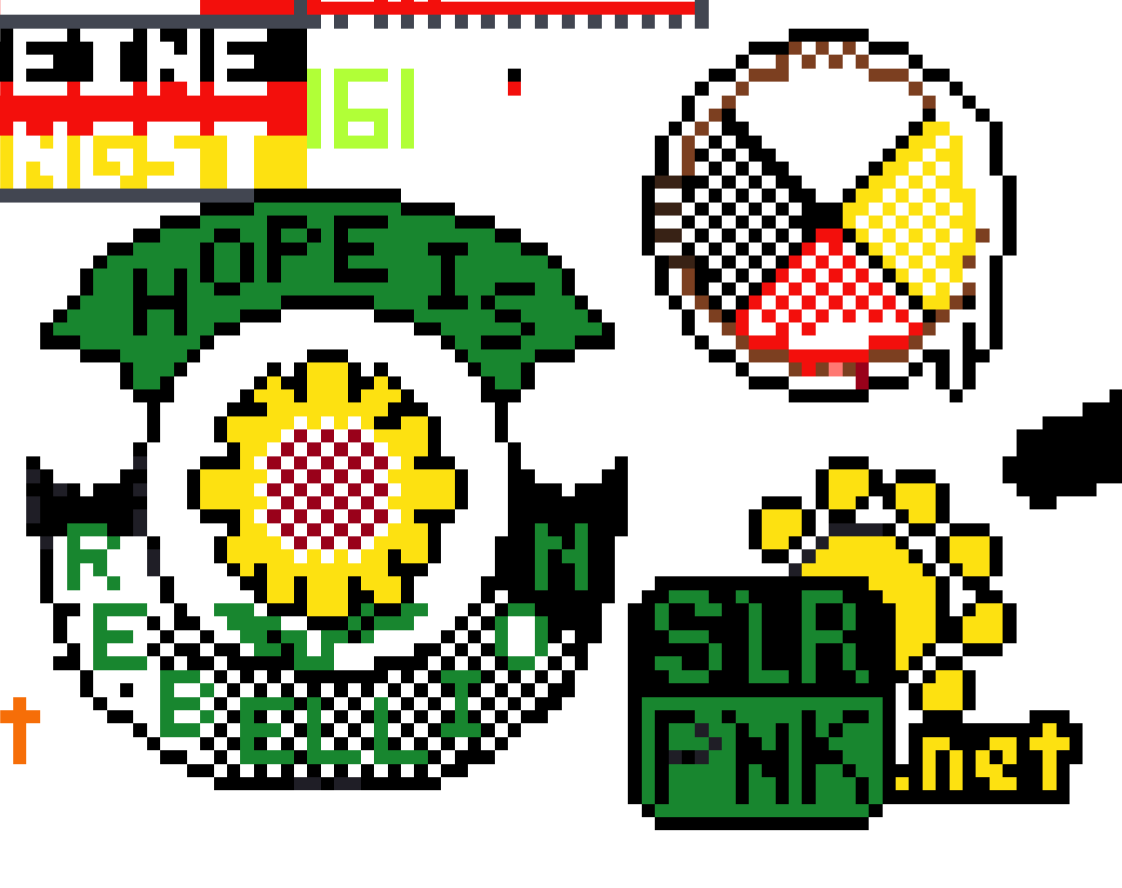
Looking around the canvas, slrpnk seems really well developed at the quarter-mark. Good job, gang!
Going nicely
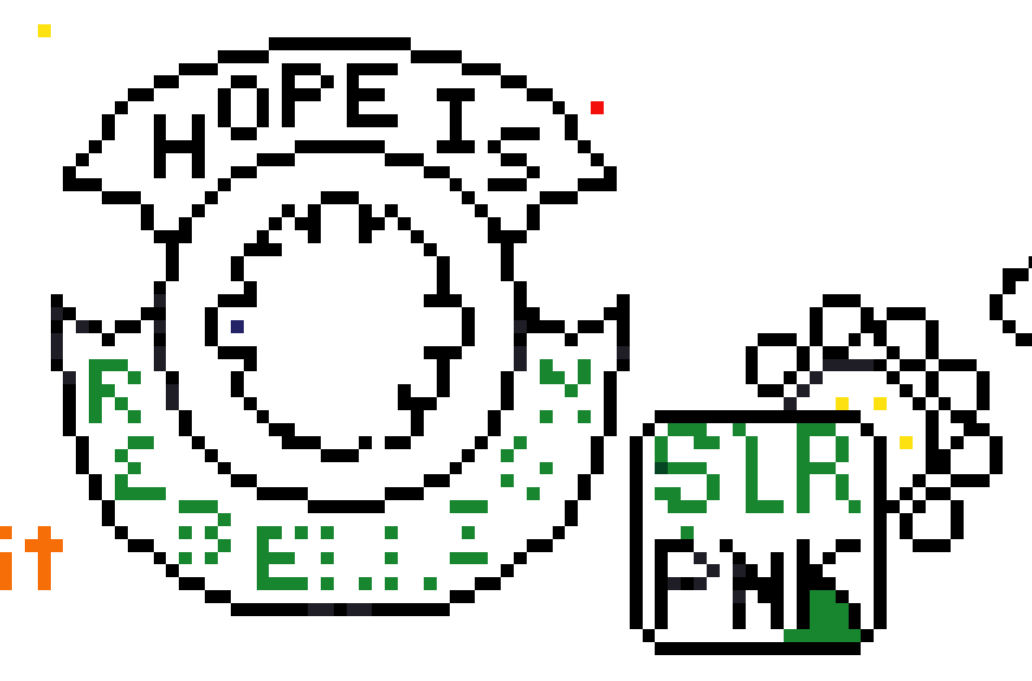
Super nice! I didn’t think we’d make so much progress only a few hours in :D
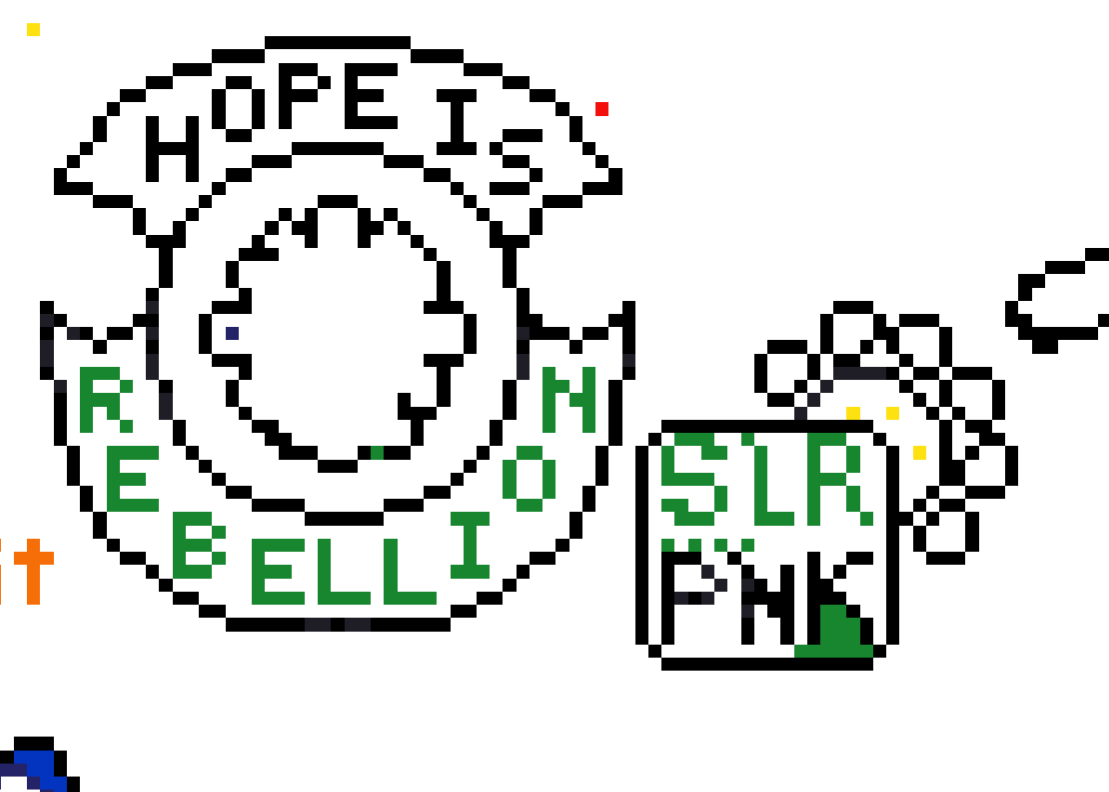 Better image, the text is done! 🥳
I’m signing off for tonight. Massively grateful to everyone who joined in and kept the space from being taken. The progress you’ve all made is truly impressive.
I thought you were sleeping, I see you adding art 😂
It’s addictive 😵💫
But I also wanted to get those extra templates in while there’s still white space, otherwise I figured by the time I woke up it’d be too late.
At this rate you’ll be bored tomorrow! Good night 😊
I didn’t think turnout would be this good 😅
And since I was having trouble falling asleep, I decided instead to make more templates since we’re getting pretty close to finishing the first two so early.
Oops I didn’t read the whole post when I placed my first one and put one pixel of the lettering :(
No worries! I made those 20% guides without knowing that the built-in template feature with opacity was even a thing, so I figured that’d help people figure out how to assemble it without getting overwhelmed. I was even going to put in the exact coordinates of the first pixel that we’d start building it from.
Then one of the furries told me about the template thing, which pretty much invalidated the need for those step-by-step guides 😅
Makes it a lot easier than I was thinking it’d be :p
I kind of like it emerging in a certain order for timelapse purposes though! Happy accidents
True! that would be pretty neat to see :)
Unfortunately, I’m getting an error when trying to load the template. Maybe it’s a compatibility thing with my browser. Thanks for making the 20% increment templates. I’m using those now lol
I think it needs WebGL enabled to work, which LibreWolf keeps off by default (if that’s what you’re usin’).
I was able to selectively enable it in Librewolf by clicking the little sliders icon to the left of your address bar (sorta within it, squeezed between the shield icon and the bar). If that isn’t an option, you may need to enable WebGL in the browser’s settings window first.
And hey! Glad to have you with us! :D
I’ll try that fix. And am happy to be here :D
The link shows both templates overlapping, is that intended?
Edit: it’s fixed, thanks!
And thank you for joining in and helping tonight, Fantom! ^^
I didn’t realize how critical this early phase was in establishing ourselves, but with your help and the help of the furry communities, I think we’ll make it into the morning.
No worries, and it’s morning for me, Belgium represent! I just happened to open my phone at the right time and thought, why not? Why shouldn’t I solarpunk it up? 😁
Also I was thinking whether we should add a .net anywhere? Or the full word solarpunk?
Hmm, we could try adding a .net outside the logo after the PNK, just as letters.
I’m a bit hesitant to add it the template file in fear that the new size might mess up the positioning of the overlay, but we could try to add it unofficially anyway and see what happens :)
And good morning! 😄
Yeah it’s bit finicky to move them with X/Y coordinates, so it took me a few tries to get it right. A different group was muscling into our original spot, so the Furries suggested we move over to this new spot. (and I just want to mention how invaluable their help and advice has been, they’re even pulling people away from their projects to help us build up our claim. Absolutely amazing folk).
Also I think you get a pixel every 30s and the 60s is just a UI bug, when it counts down from 60 to 30 you get another pixel and it jumps up to 90, I guess they’re adding 30 to the countdown display twice by accident
Good catch! I’ll remove that bit from the OP.
It also looks another group is making a square right over where the slrpnk logo would come
Edit: also fixed, probably both due to moving just as I clicked? Thanks!