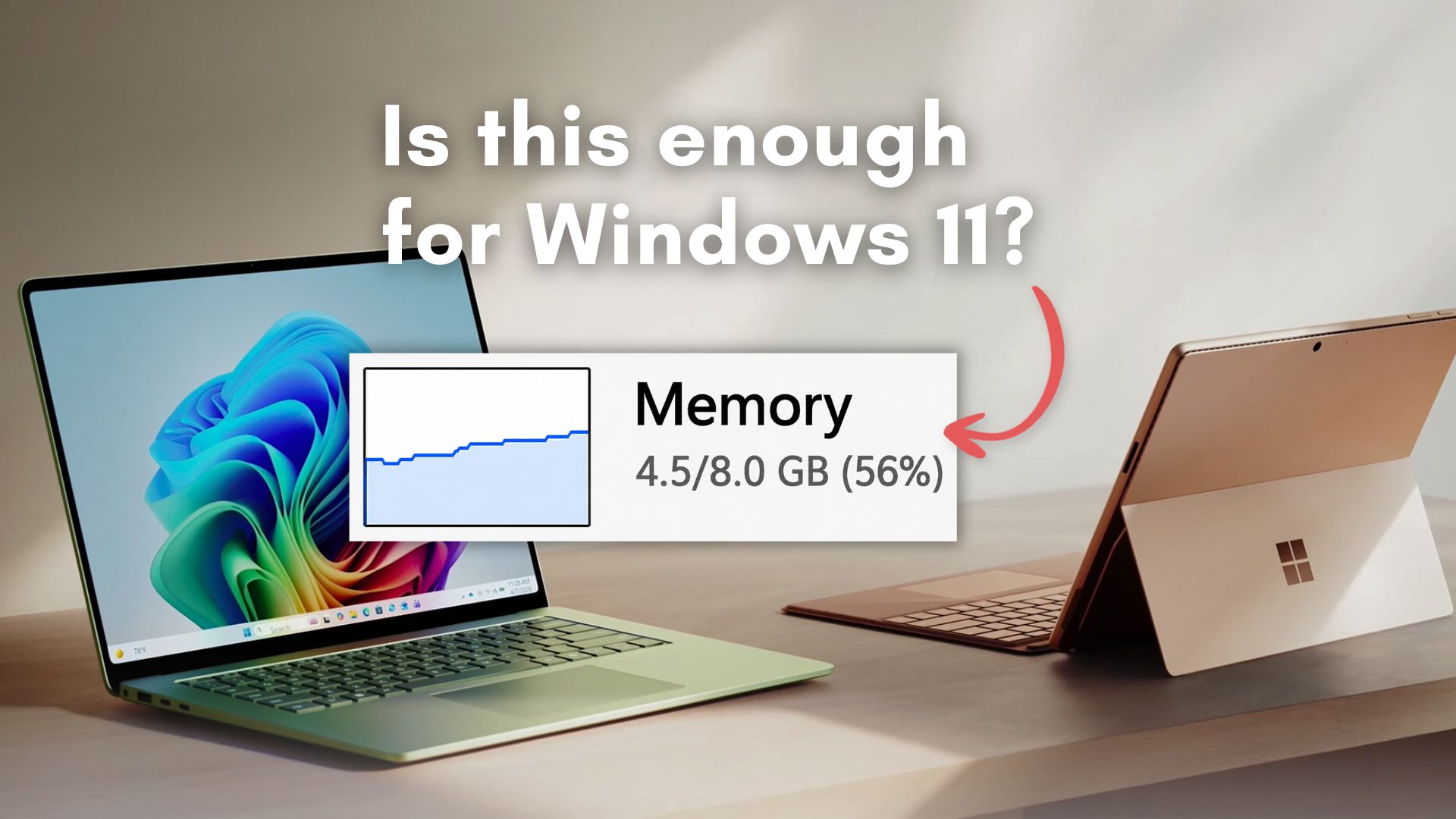
As someone who deals with various windows bullshit on the daily, 8gb for win11 is fine assuming you don’t use any applications. If you want to actually use the machine, 16gb is the absolute minimum
deleted by creator
Honestly some of my biggest fights are with browsers being ram hogs and edgewebview2 constantly shitting the bed causing excessive ram utilisation and various crashes to basic office applications
I had to uninstall chrome and switch to edge on my work laptop just to make it usable. 8 is barely enough, if you’re very careful
next they’ll say any ol’ hdd is fine, too.
(they are not)
if you ever have to use win11 on a laptop with 4 or 8gb ram and a 2.5in hdd, you’ll be inventing new swear words.
About halfway through the lifecycle for Windows 10, HDD performance became pure garbage and I genuinely do not know how/why they did that. Something about how they were handling indexing or read operations at idle meant pinning the disk at 100% usage almost all the time and the only solve was an SSD. I hate that shit so much.
I hope they have to rebase their os to win 7 due to ram prices
I mean, as long as you pair it with an optane cache drive it should be fine
optane was a horrible and ineffective ‘solution’ to windows and application bloat.
I think the product was good. But it was too little too late, since nand SSD pricing had already begun to drop. If it had a higher capacity, or lower pricing, or was released sooner it would have been a hit.
I still use one for an os drive in my nas.
the one i still have just an ssd boot for a dietpi (debian mini server), separated from its hdd which is just file storage. as a regular ssd, the modules are ‘ok’. a bit slow–and of course very small, but higher endurance. i should never have to worry about it running out of writes in that little mini-server.
Why the fuck does the OS need so much memory?
Mine doesn’t, maybe you are using the wrong one?
This was supposed to be a shamless Linux plug, but in order to be useful for some people I’d recommend debloating your Windows installation. I’ve had good experience with Raphire’s debloater.
I use Linux at home too, but windows at work
Spyware
M after ricing arch into some ungodly aberration that was never meant to exist in this world.
Everything always gets bolted on with no consideration for memory footprint. It’s basically 2 decades of software inside the memory because if they delete something it breaks.
“fine” depends on what you’re doing. web browsing? youtube? maybe, just dont open more than 5 tabs. doing literally anything else? no. get 12 gb or 16 gb ram.
My rule was 32gb at least. And that was for. At least 10 years
I have 16gb and more than 15 tabs causes my computer to studder.
1000% bs. My work pc has 8gb of ram and im always 100%. I hardly get anything done quickly if I open teams which I have to.
I guess maybe 8GB is fine if all you do is have a browser open with some tabs… W11 is not RAM friendly.
I’d say 8G is fine until you open a browser.
and every application today is a browser.
Windows 10 had a minimum requirement of 2GB RAM, with 4GB recommended for a comfortable experience. Windows 11 bumped that up and then kept needing more as the OS got heavier with every update cycle.
…to 4 GB…
I’ve used Windows 10 with 4GB. It’s not a comfortable experience. Neither is Windows 11 with 8GB.
Yeah no. I’m at 32 and task manager says that 28+GiB are being used on idle. The sum of everything that appears on task manager doesn’t reach 2GiB.
And it’s not “the OS is using it because you aren’t”, because if I do anything demanding, the OS won’t give me back that RAM, it’ll use the swap instead.
That is not how this works. The system isn’t using all that, I can guarantee that. Even launching a terminal (or any app) as hidden will not make it and its usage appear in taskmgr - I once unknowingly managed to exhaust my 64GB by launching hundreds of terminal sessions withoutever killing them. Try something like sysinternals process manager to see what’s actually going on.
You can guarantee it? Are you a Microsoft Windows developer? In that case, I’d like to fill in a bug report.
When I turn my machine on, without me doing anything at all, task manager would display >20GiB used. I don’t have many applications to run at startup. At most iCUE (Corsair keyboard drivers). I don’t think iCUE is using 20GiB if RAM.
Then, I open 2-3 vscode instances. Each instance launches its own rust-analyzer, since I’m looking at 3 rust projects simultaneously.
Each rust-analyzer instance uses ~3GiB of RAM.
That is enough to reach 100% ram usage and the computer becomes noticeably slower, even if CPU usage is at 7%.
Tell me, Microsoft Windows developer. Why does my machine grind to a halt when I use ~10GiB of RAM, if win11 says that the recommended amount is 16GiB and I have 32? 10+16 = 26. I should have a minimum of 6GiB left. The math ain’t mathing.
I would advise against doing your own math
Not only are you a Microsoft developer. Are you also a maths PhD? I thought I was using maths of a level I’m comfortable with. Mainly addition, abstraction, and multiplication if real numbers.
Perhaps I’ve committed a grave mistake. Please show me where my mistake is.
You are funny, but no, it’s just unnecessary.
Using appropriate tools, such as the aforementioned process explorer, will help you avoid any guesswork.
Have you tried using the windows debloat tool to get rid of all the AI and garbage that Win11 comes pre-installed with? Might help with the excessive RAM usage on startup.
You have other problems beyond windows. My laptop has 32gb and it uses like 6.5gb with nothing open on the desktop.
It not happening to everyone doesn’t mean that it’s not an issue.
Years back there was an issue with a windows update that eliminated the “Documents” folder on some people. I updated my computer and the folder was still there. It didn’t happen to me, but it did happen.
There are millions of possible computer configurations. Some issues may happen in some computers but won’t happen in others.
Even if 2 people have the same computer, they might have followed a different path to reach the current version of windows. Some might’ve started at win 10 and upgraded from there, others might’ve installed the latest version of win11.
All those things might result in bugs happening in some devices but not on others.
Thats still a lot lmao
And it’s not “the OS is using it because you aren’t
That was nonsense int he first place anyways
Windows doesnt include cache in the used ram procentage
I mean maybe, if you aren’t running any other softare at all and just staring at your desktop.
Don’t worry, soon they will announce that 4GB will probably be fine too, once they discover they need even more RAM for their AI slop farms.
Windows 11 has a minimum requirement of 4 GB.
Why would they knowingly push for better but unnecessary hardware? What do they gain from people buying more RAM than necessary to run Windows?
Edit: wait, they also sell laptops. Duh.
Kids, learn from my mistakes, read article first, comment second.
they also provide the os on most systems sold by everyone else, too.
Nothing. It’s not unnecessary. It’s very necessary, especially Windows. They’re just shifting their perspective because RAM has gotten so wildly expensive.
But you’ll definitely want OneDrive, Teams, Edge, Chrome, Adobe and your totally necessary “anti-virus” to run in the background 24/7 right?
Okay but with 16 gig you have so much room for Activities!
Microsoft leadership is a bunch of scumbags.
I thought 32GB was a minimum for the last PC I built 8 years ago.